Openers · Mulmur
Garage Door Remote and Keypad Programming in Mulmur
Someone in the family tried to add a remote, held the button on the ceiling unit a little too long, and now every remote in the house is dead at once.
In plain words
When you move into a house, or a remote goes missing, the question is who else can open the door. The answer lives in the opener's memory, and the technician can wipe it clean, following that model's own erase sequence to clear every remote and keypad code stored, including ones you have never seen. Unplugging the opener does not do this; only the correct sequence does. Your own remotes, the keypad with a code you choose, and any vehicle buttons are then programmed back one by one, and a connected app or account is checked too, so the door answers only to controls your household holds.
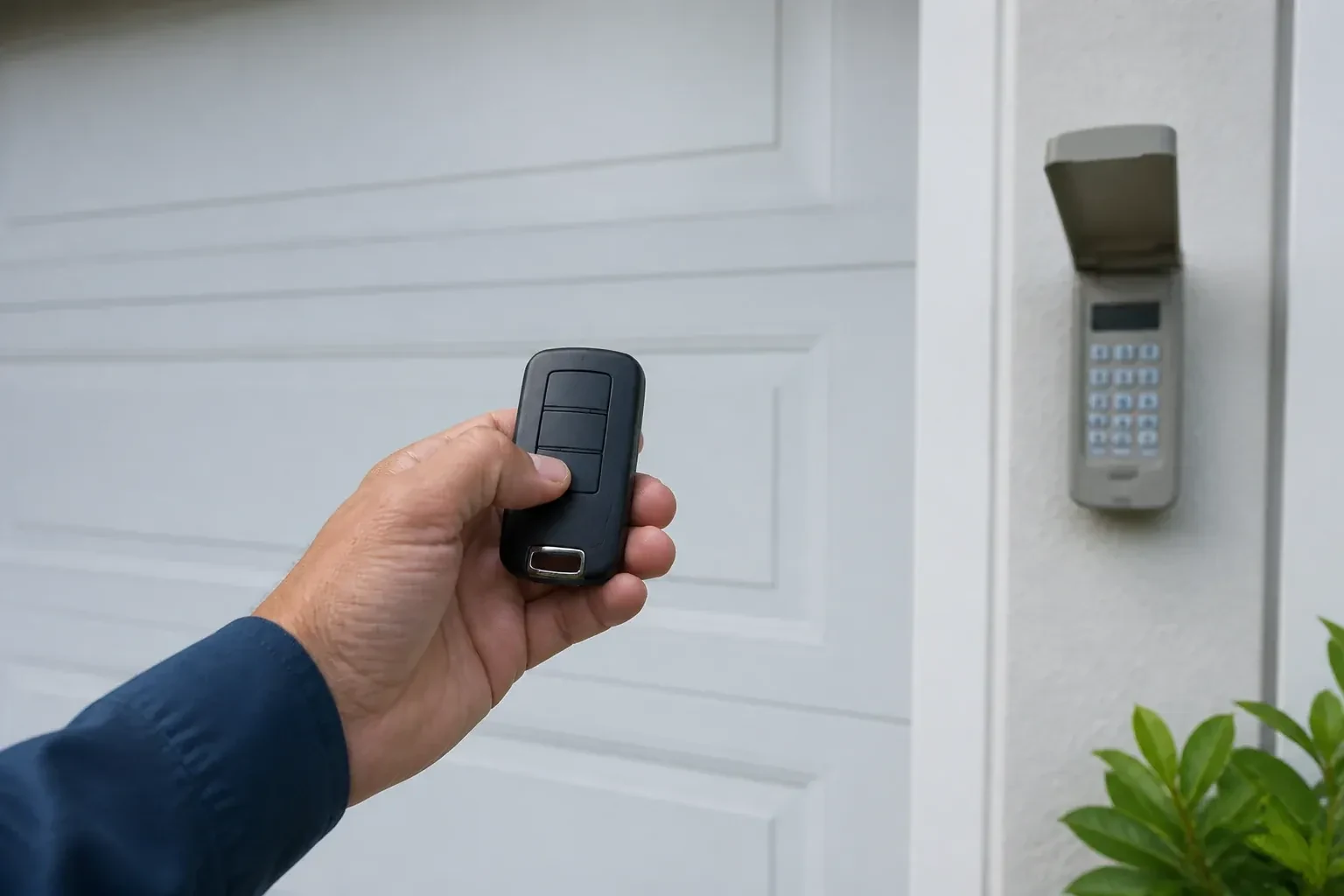
How the visit goesAfter the move, the previous owner's remotes are somewhere in another city and the keypad on the outside wall wants a code nobody wrote down. The wall button works. Nothing else does, and you have no idea who else can open your garage.
Garage Door Remote and Keypad Programming
How the visit goes
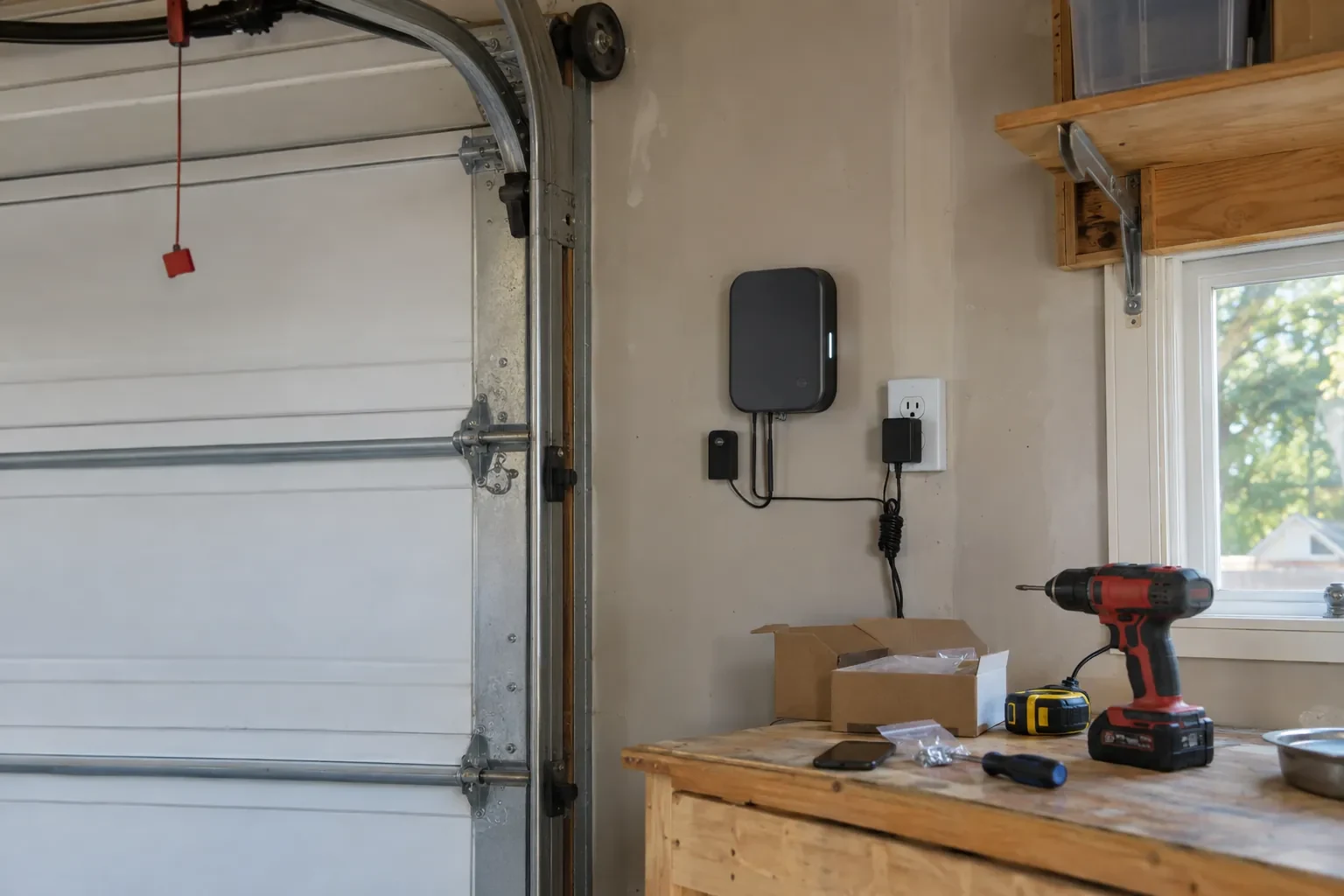
Which generation is this opener?
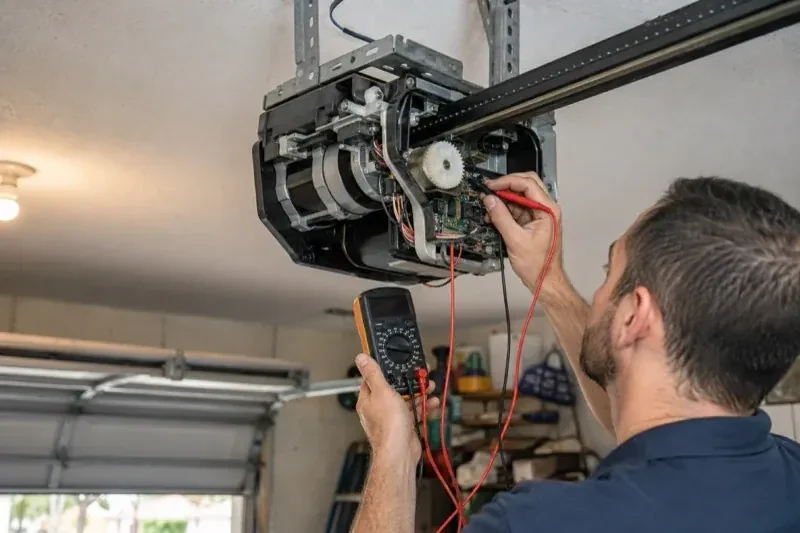
Under the light cover of the head unit, near the antenna wire, sits the learn or program button. Its colour on many makes and the model label beside it tell the technician which radio generation the receiver belongs to, and that decides which remotes and keypads can ever be paired with it. Most openers from the mid-1990s onward use rolling codes, earlier ones often fixed codes set by switches, but age alone does not confirm which; the model settles it. The accessory in hand is compared against the maker's compatibility list before its packaging is opened. Ten seconds with a ladder here prevents an afternoon of pressing buttons on a remote that was never going to work.
Proving the door is safe after programming
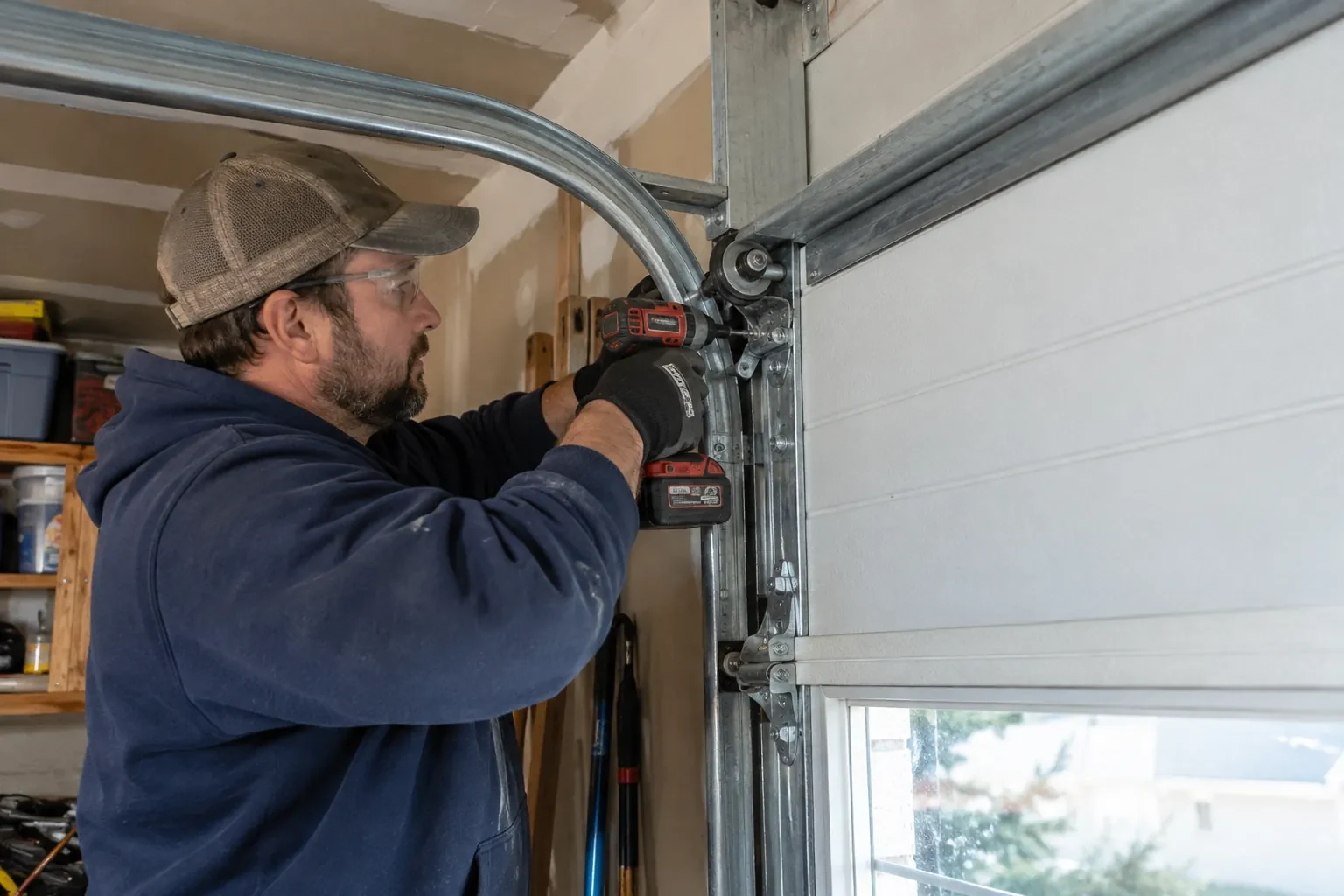
Every programming visit ends the same way, because a control that moves the door is also a control that can close it on something. Each remote button, each keypad code, each vehicle button and the wall control are operated in turn while the technician watches the full travel. Then the door is closed onto a 2x4 lying flat on the floor and must return to open on contact, and closed again while an object passes through the photo-eye beam, which must stop and reverse it. Only when both tests pass is the work signed off and the controls handed over.
Adding a control yourself next time
Because you watched the pairing, you know where the learn button lives under the light cover, what a short press does and, just as importantly, your opener's own erase sequence. Confusing the two is the cause of many surprise lockouts. You have the compatibility details for your opener written down, so the next remote you buy is the right generation, and you know that unplugging the opener during a long absence does not erase anything. Most households can add a remote themselves after seeing it once.
Garage Door Remote and Keypad Programming
In the van
Add-on rolling-code receiver kit
Keypad mounting screws and anchors
Contact cleaner and fibreglass brush
Receiver transformer and two-conductor wire
Universal multi-generation remote
Garage Door Remote and Keypad Programming
What affects the quote
Batteries supplied
Coin cells for remotes and the small cells in keypads are counted per device when the technician supplies them, and noted so you know what to buy next time.
Shared or managed building
In a condominium or rental building, coordinating with the property manager and working on a common door adds steps to the visit.
Multiple doors or a gate
A second opener or a driveway gate doubles the pairing and testing, and may call for multi-button remotes or a multi-door keypad.
What to have ready
- Do you have a keypad outside, and does anyone still know its code?
- Does the wall button move the door normally right now?
- What colour is the small learn or program button under the opener's light cover?
Garage Door Remote and Keypad Programming: questions
QuestionsCan I give a visitor or cleaner a code that stops working?
Many keypads allow a temporary code alongside your main one. It can be set to expire after a chosen number of hours, up to several days, or after a set number of openings. Once expired it no longer opens the door, though on some models it can still close it. That suits a cleaner, a trade or a house-sitter better than sharing the main code, and it can be set again whenever needed.
Why won't the new remote I bought pair with my opener?
Most often because it belongs to a different radio generation. Openers have changed their radio format several times since the mid-1990s, and a remote built for one format is silent to a receiver from another. On many makes the colour of the learn button, together with the model label, identifies your generation, and the maker's compatibility chart names the remotes that match. A universal remote that covers several generations is another route. Once the two sides share a format, pairing takes moments.
How is the keypad code chosen and can I change it later?
You choose it at programming time: four digits on many keypads, three to eight on others. Avoid the house number, a birth year or a repeated digit. The code is entered into the keypad, confirmed at the opener, and kept off the paperwork. Changing it later follows the instructions for your model and takes a couple of minutes, and the technician can show you the sequence before leaving.